
How to Use a Drug Interaction Checker Tool Effectively
 Jan, 1 2026
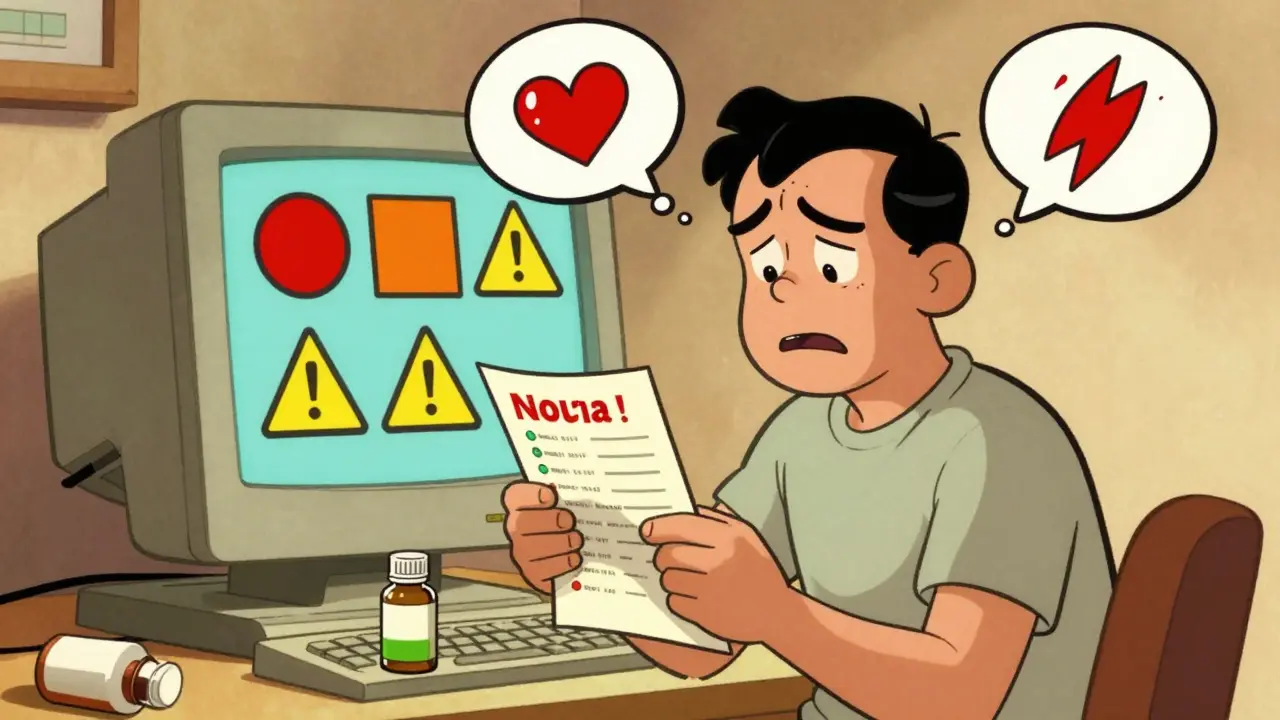
Every year, tens of thousands of people end up in the hospital because of unexpected reactions between their medications. Some of these reactions are mild - nausea, dizziness, or a rash. Others can be life-threatening: internal bleeding, heart rhythm problems, or serotonin syndrome. The good news? Most of these cases can be avoided. The key isn’t just taking your pills as directed - it’s knowing what happens when they meet each other. That’s where a drug interaction checker comes in.
What a Drug Interaction Checker Actually Does
A drug interaction checker isn’t magic. It’s a database-powered tool that compares the ingredients in your medications - prescriptions, over-the-counter pills, vitamins, and even herbal supplements - against known pharmacological interactions. These tools don’t guess. They match active ingredients against thousands of documented interactions from clinical studies, case reports, and drug manufacturer data. There are three main types of interactions these tools look for:- Drug-drug: When one medication changes how another works in your body. For example, the antibiotic clarithromycin can slow down how your liver breaks down simvastatin, leading to dangerous muscle damage.
- Drug-food/drink: Grapefruit juice is the classic example - it can make blood pressure or cholesterol meds build up to toxic levels. Alcohol with sedatives? That’s another red flag.
- Drug-condition: Some meds are risky if you have certain health issues. For instance, NSAIDs like ibuprofen can harm kidneys in people with chronic kidney disease.
Why Not All Tools Are Created Equal
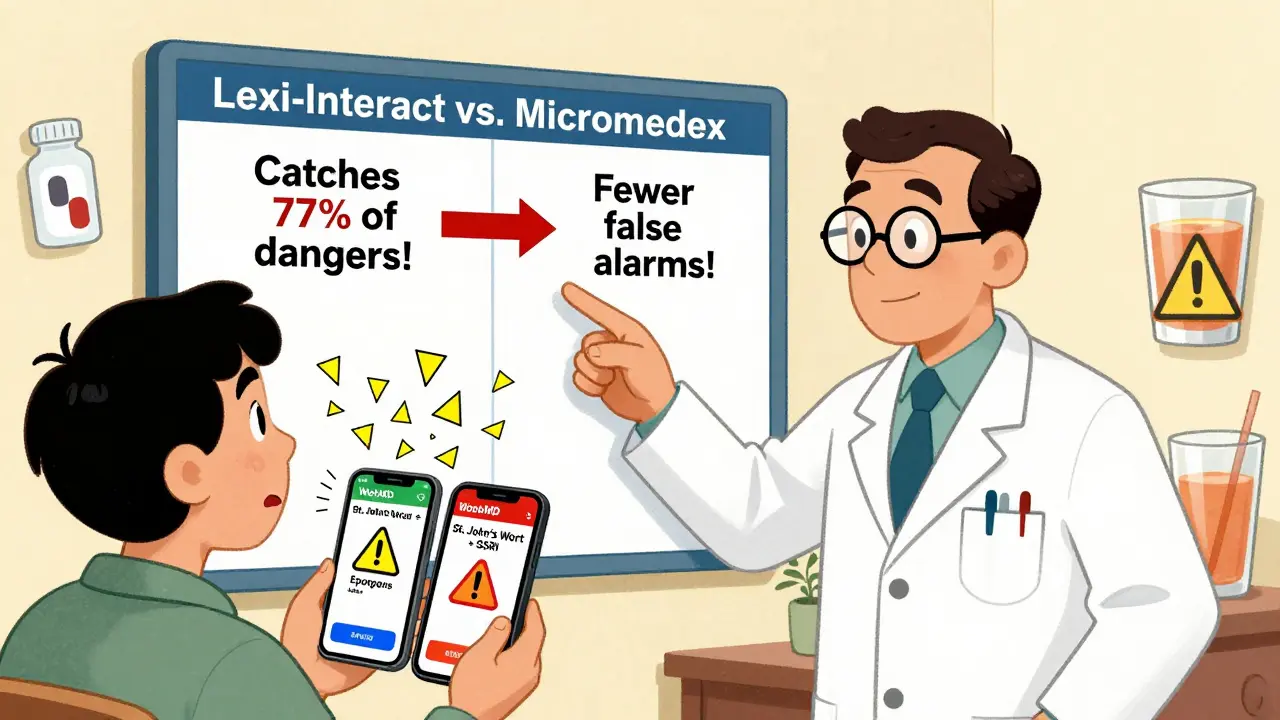
You might think all drug interaction checkers are the same. They’re not. There’s a huge gap between free consumer apps and professional systems used in hospitals. Take WebMD and Drugs.com. They’re easy to use, free, and great for a quick check. But a 2016 NIH study found their accuracy in detecting clinically relevant interactions hovers around 60%. That means nearly 4 out of 10 real risks could slip through. On the other end, clinical tools like Lexi-Interact and Micromedex are used by pharmacists and doctors. Lexi-Interact catches 77% of dangerous interactions - the highest sensitivity rate. But it also flags a lot of false alarms. Micromedex is more precise (78% specificity), meaning fewer distractions, but it might miss a few real risks. Then there’s the University of Liverpool’s COVID-19 Drug Interactions Checker. It’s not just another tool - it’s the gold standard for Paxlovid (nirmatrelvir/ritonavir) interactions. Updated weekly, it includes over 1,200 medications and uses color codes:- Red circle: Don’t mix - high risk of serious harm
- Orange square: Possible danger - monitor or adjust dose
- Yellow triangle: Minor concern - keep an eye out
- Green diamond: No expected interaction
How to Use a Checker Right - A 3-Step Process
Using one of these tools won’t help if you don’t use it properly. Here’s how to do it right:- Make a complete list. Write down every pill, capsule, patch, liquid, and supplement you take - even if you only use it once a month. Include OTC painkillers, sleep aids, antacids, fish oil, St. John’s wort, and magnesium. Don’t assume your doctor knows. Most people forget at least one thing.
- Use the right tool. If you’re a patient, start with Drugs.com or WebMD. If you’re a healthcare provider, use Lexi-Interact or Micromedex. Never rely on a single tool. If you’re on five or more medications, use at least two different checkers. Studies show a 15-20% difference in alerts between major systems.
- Focus on red and orange flags. Don’t get distracted by yellow warnings. If a checker says two drugs shouldn’t be taken together, don’t ignore it. But also don’t panic. Print or screenshot the results and take them to your pharmacist or doctor. They’ll know if the risk is real or theoretical.
Where These Tools Fall Short
Even the best systems have blind spots.- New drugs: If a medication was approved in the last 6-12 months, it’s unlikely to be fully tested against every other drug. The FDA doesn’t require testing every possible combination - it’s too expensive and time-consuming.
- Herbal supplements: Many tools, especially Epocrates and some consumer apps, have poor or outdated supplement databases. St. John’s wort, kava, and ginkgo biloba can interfere with dozens of medications - but not all checkers catch it.
- False reassurance: A 2022 case report described a patient who used a free online checker and thought sertraline and linezolid were safe. They weren’t. The interaction caused serotonin syndrome. The checker missed it.
- Mobile apps are messy: Epocrates and Medscape have mobile versions, but 32% of 1-star reviews complain about clunky interfaces and slow loading.
What Experts Really Say
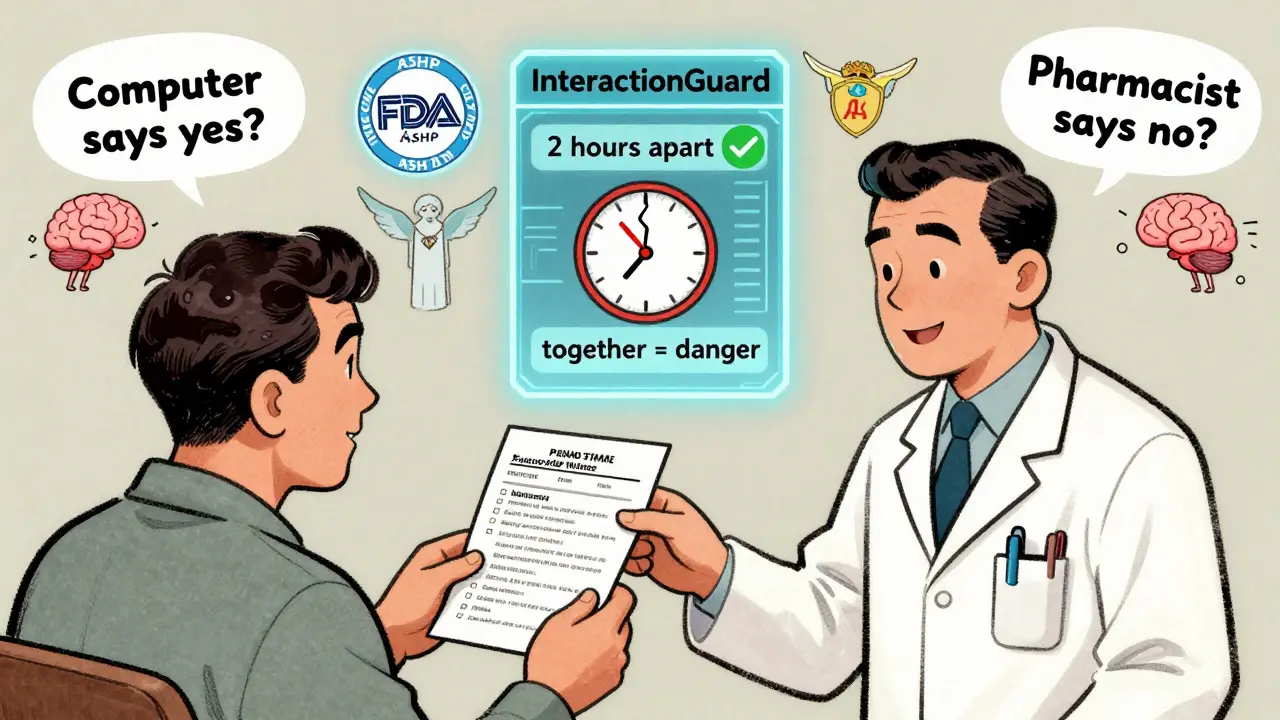
Dr. David Flockhart, a leading pharmacologist, put it simply: “DDI checkers are essential but imperfect tools that must be paired with clinical judgment.” The American Society of Health-System Pharmacists (ASHP) says: “Use at least two independent checkers for high-risk patients.” And the FDA? They’ve been clear since 2022: No drug interaction checker can replace a pharmacist’s review for complex regimens. One of the biggest dangers isn’t missing a warning - it’s trusting the tool too much. A 2021 study found that 32% of high-severity alerts in hospital systems are for interactions that are theoretically possible but never actually caused harm in real patients. That’s alert fatigue. You start ignoring everything.Real-World Tips That Actually Help
- Check every time you get a new prescription. Even if you’ve taken the same meds for years, a new drug can change everything.
- Use the same tool consistently. Switching between apps can cause you to miss patterns.
- Bring your list to every appointment. Not your phone. A printed list. Pharmacists can scan it with their professional tools.
- Ask: “Is this interaction real, or just a computer warning?” Your pharmacist can tell you the difference.
- Don’t trust apps that don’t list ingredients. If a checker just asks for “Advil” and doesn’t show “ibuprofen,” it’s not reliable.
What’s Next for These Tools?
The future is smarter, not just bigger. In 2024, Epic Systems rolled out “InteractionGuard,” which doesn’t just check what you’re taking - it checks when you’re taking it. Timing matters. Taking a blood thinner and an NSAID 2 hours apart might be fine. Taking them together? Not so much. AI is also entering the space. A 2023 NIH-funded project showed machine learning improved detection of new interactions by 18.3% by analyzing real-world adverse event reports. That’s promising - but still in testing. For now, the best tool is still the one you use correctly - and the one you pair with a human expert.Frequently Asked Questions
Can I trust free drug interaction checkers like WebMD or Drugs.com?
Yes - but only as a starting point. Free tools like WebMD and Drugs.com are useful for basic checks and catching obvious risks. But studies show they miss up to 40% of clinically significant interactions. Don’t rely on them alone, especially if you’re on five or more medications or have chronic conditions like kidney or liver disease. Always confirm results with a pharmacist.
Do drug interaction checkers include herbal supplements and vitamins?
Some do, but not all. Professional tools like Lexi-Interact and Micromedex have better supplement databases than consumer apps. Epocrates, for example, is known for weak coverage of herbs. St. John’s wort, ginkgo, garlic, and kava can interact with blood thinners, antidepressants, and heart meds - but many free tools won’t flag them. Always list supplements by their full name (e.g., “St. John’s wort 300 mg daily”) when entering them.
Why does my doctor say I don’t need to check interactions if I’m only on two meds?
It’s true that the risk goes up with more medications - but even two can interact. For example, warfarin and amiodarone, or fluoxetine and tramadol, are dangerous combinations that only take two drugs. If one of your meds is a blood thinner, antidepressant, seizure drug, or heart medication, it’s worth checking. Don’t assume low numbers mean low risk.
What’s the difference between sensitivity and specificity in drug interaction tools?
Sensitivity means how well the tool finds real interactions. Lexi-Interact has high sensitivity - it catches almost all dangerous combos, even if it flags some false ones. Specificity means how well it ignores irrelevant warnings. Micromedex has high specificity - fewer false alarms, but it might miss a few real ones. For safety, you want high sensitivity. For efficiency, you want high specificity. The best approach? Use both.
Can a drug interaction checker replace my pharmacist?
No. The FDA and ASHP both state that no tool can replace a pharmacist’s review, especially for complex regimens. Pharmacists understand your full medical history, how you take your meds, and whether an interaction is likely to cause harm in your body. A checker gives you a warning. A pharmacist tells you what to do about it.
How often should I check for drug interactions?
Check every time you start, stop, or change a medication - even if it’s just a new OTC painkiller or a different brand of vitamin D. Also check every 6 months if you’re on five or more medications. New research emerges constantly, and your body changes over time. What was safe last year might not be today.
Neela Sharma
January 1, 2026 AT 22:36Medicines are like people - some get along, some just want to burn the house down
And we think a machine can read the tea leaves? We’ve outsourced our intuition to algorithms and call it progress
But the real medicine? It’s the quiet moment with your pharmacist who remembers your name and your cat’s name too
Trust the tool, yes - but never trust it more than the human who holds your hand while you take that first pill
Brittany Wallace
January 3, 2026 AT 14:00I’m from the Philippines and we don’t have fancy checkers here - just grandma’s advice and the local pharmacy
But you know what? When I came to the US and started on blood pressure meds, I brought my list to the pharmacist and she cried
She said no one ever does that anymore
Tools help - but connection saves lives
Wren Hamley
January 3, 2026 AT 22:27Lexi-Interact catches 77% of dangerous interactions? That’s still 23% of people getting screwed by a database that doesn’t know your liver is half-dead from whiskey and anxiety
And don’t even get me started on how ‘green diamond’ is just corporate-speak for ‘we didn’t bother testing this’
These tools are glorified bingo cards with side effects
And we’re letting AI write our death certificates because it’s cheaper than hiring a pharmacist
Also - St. John’s wort? It’ll make your SSRIs explode like a soda can in a microwave
Ask me how I know
Hank Pannell
January 4, 2026 AT 19:32There’s a fundamental epistemological flaw in assuming pharmacokinetic data can be abstracted into binary risk flags
The body isn’t a spreadsheet - it’s a chaotic, adaptive, nonlinear system
Even Micromedex’s 78% specificity ignores interindividual variability in CYP450 polymorphisms
And the FDA’s stance? It’s not just conservative - it’s bioethically necessary
Because when you reduce human physiology to color-coded alerts, you’re not preventing harm - you’re outsourcing moral responsibility to a server in Ohio
Tools are prosthetics - not replacements
And the real danger? Not missing an interaction - but mistaking a warning for a verdict
Angela Fisher
January 5, 2026 AT 08:14EVERYTHING YOU SAID IS A LIE. THE GOVERNMENT AND PHARMA OWN THESE CHECKERS. THEY ONLY FLAG THINGS THAT DON'T MATTER. THE REAL DANGEROUS COMBINATIONS? THEY'RE HIDDEN. I KNOW BECAUSE I WORKED AT EPIC SYSTEMS UNTIL THEY FIRED ME FOR TELLING THE TRUTH. THEY USE AI TO PUSH DRUGS THAT MAKE PEOPLE SICK SO THEY CAN SELL MORE DRUGS. THE GREEN DIAMOND? THAT'S A TRAP. THEY WANT YOU TO THINK YOU'RE SAFE SO YOU KEEP TAKING THE POISON. I SAW THE CODE. THEY HAVE A BACKDOOR FOR BIG PHARMA. YOU THINK DR. FLOCKHART IS ON YOUR SIDE? HE GETS A BONUS FOR EACH INTERACTION TOOL USED. THEY'RE ALL IN ON IT. CHECK YOUR PHONE - YOUR CAMERA IS WATCHING YOU RIGHT NOW. 🤫💣
Shruti Badhwar
January 6, 2026 AT 06:09While I appreciate the comprehensive breakdown, I must emphasize that the reliance on consumer-grade tools without professional oversight remains a systemic risk
Especially in populations with limited health literacy, where the illusion of safety created by green indicators may lead to catastrophic non-adherence or inappropriate self-discontinuation
The data is clear: multi-tool verification reduces error rates - but only if users are educated on how to interpret the output
Therefore, public health initiatives must integrate digital literacy into medication safety campaigns
Not merely distribute apps and assume competence
Education is the missing variable in this equation
Palesa Makuru
January 7, 2026 AT 02:03Ugh I used Drugs.com once and it said my fish oil and blood thinner were fine
So I kept taking them
Then I ended up in the ER with a hemorrhage
Turns out the app didn’t even know fish oil has omega-3s that thin blood
And now I’m supposed to trust these apps because they have ‘color codes’?
Girl. I don’t need a diamond. I need someone who’s actually seen a human bleed.
Also your ‘real-world tips’? Cute. I’m not printing lists. I’m not bringing paper to doctors. I’m not your patient. I’m a person who’s been gaslit by the medical system for years
So no. I’m not checking. I’m just not taking anything. 🤷♀️
Lori Jackson
January 8, 2026 AT 23:25Anyone who uses WebMD as their primary interaction checker is either naive or dangerously complacent
These tools are not ‘good enough’ - they’re corporate propaganda wrapped in UI design
And don’t get me started on herbal supplements - if you’re taking St. John’s wort and think you’re ‘natural,’ you’re just a walking pharmacokinetic disaster
Real professionals don’t use apps - they memorize CYP450 pathways and consult peer-reviewed journals
It’s not hard. It’s just not convenient for people who want to Google their way out of a pill addiction
Wake up. This isn’t wellness. This is self-sabotage with a green checkmark
Liam Tanner
January 10, 2026 AT 19:23Thanks for this. I’m a nurse and I use Lexi-Interact daily - but I always cross-check with Micromedex and then ask the pharmacist out loud, ‘What would you do?’
One time, the tool said a combo was ‘yellow’ - minor concern
But the pharmacist said, ‘That’s how Mrs. Rivera got her liver failure last month’
So I changed it
Tools are great. But the person using them? That’s the real algorithm